
Famous Quotes
There are two ways to add the Famous Quote widget to your layout:
Add to a Simple Slideshow Layout or Slideshow Zone
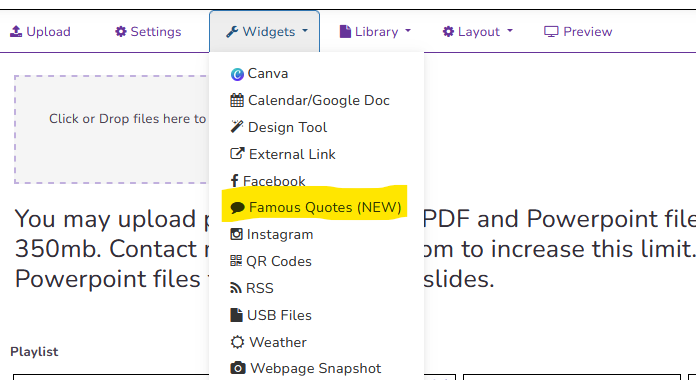
In a simple slideshow layout, select the Famoust Quotes widget from the Widget dropdown menu:
Now customize your widget by choosing a category and the other design parameters. Select the Custom category to build your own quote database.
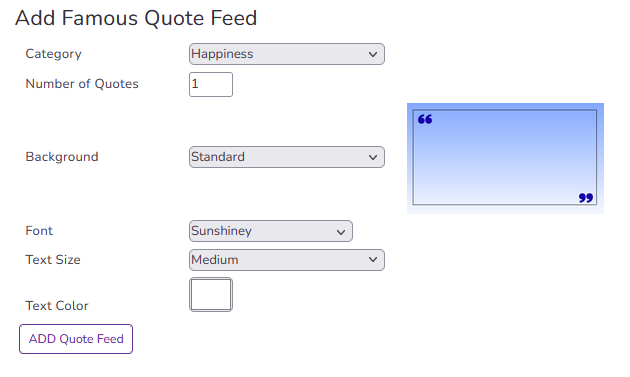
Add to a Multizone Layout
Famous quotes can be added to a multizone layout using a text zone. Either choose a quote template to get started or create a multizone layout and add a text zone.
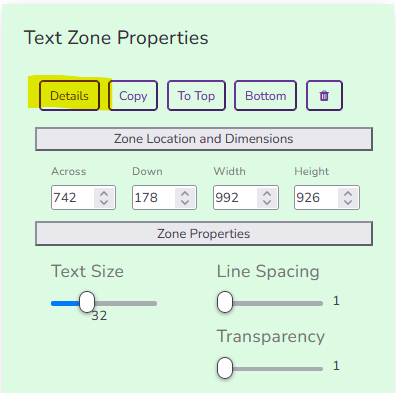
First, click on the text zone to bring up the text zone properties. Then click the Details button:
After the text zone details windows pops up, select the Quotes button:
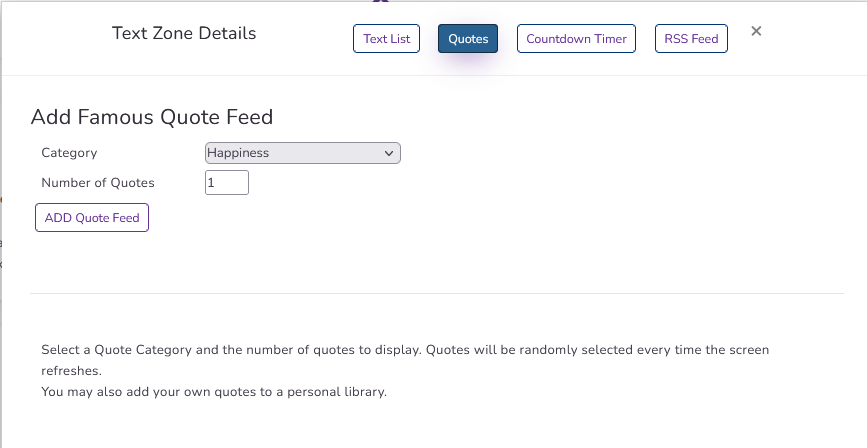
You may then choose a category (or custom to add your own) and the number of quotes to randomly display. This list will refresh any time your player checks for updates.
After adding the Quote feed, you will see the widget in the paragraph list:
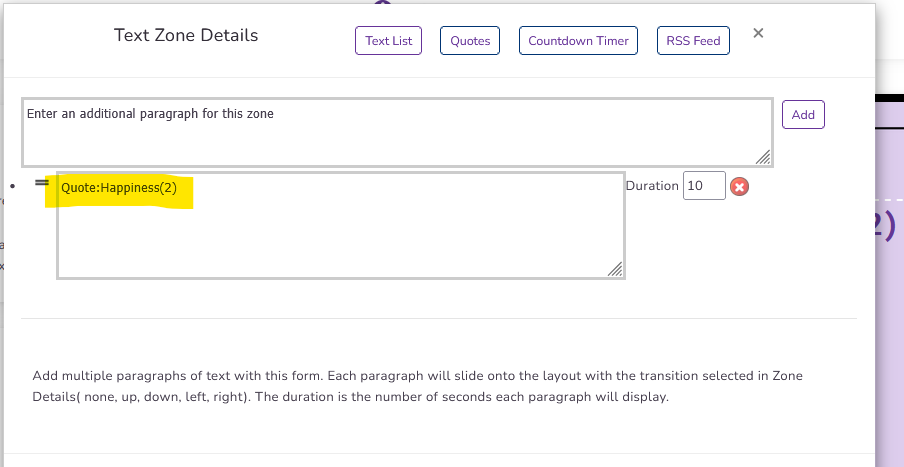
This shows the category and the number of quotes that will be displayed. You may add additional categories or custom text paragraphs.
The font, size, and color can be set in the text zone properties the same as you would normally format a text zone. Next Topic